
A little more life.
Build clocks, indoor sensor dashboards and weather layouts with live fields. Position the readings exactly where you want them.
Clocks · Sensors · WeatherONE BOARD. ENDLESS IDEAS.
Make every pixel yours. Turn a pocket-sized e-paper display into something unmistakably you.
This editor currently supports only the V2 Waveshare ESP32-S3 1.54inch E-Paper AIoT Development Board.
Design in your browser. Save locally. Send to your V2.
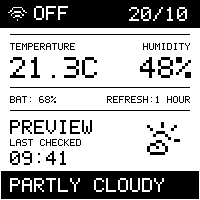
INTERACTIVE DEMO · NO DEVICE CONNECTED
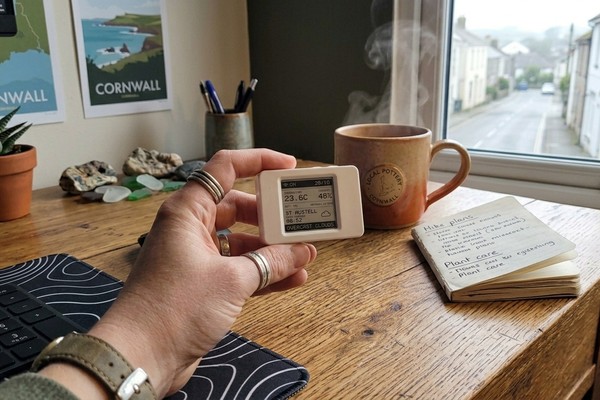
A LITTLE E-PAPER. A LITTLE EVERYDAY.
Clocks, room readings, a little weather at a glance. Create an e-paper layout that fits your space—and the way you use it.
Make it yoursFor the supported Waveshare V2 board.
A SMALL CANVAS FOR BIG IDEAS
A desk companion. A weather station. A pixel-perfect little message. Start with a template, then go your own way.
Build clocks, indoor sensor dashboards and weather layouts with live fields. Position the readings exactly where you want them.
Clocks · Sensors · WeatherMix text, icons, shapes, drawings and images. Make a sign, a tiny piece of art, or something nobody else has thought of yet.
Text · Icons · Pixel artSave editable designs locally. Export your layout or a template pack, then revisit, remix and make it better whenever inspiration hits.
Editable JSON · PNG · C++ · ZIPPick from 17 editable templates, including Weather SA, or begin with a completely blank canvas.
Edit text, position artwork and add live fields. See your monochrome layout as you work.
Use a compatible desktop Chrome or Edge browser and a USB data cable to send your design to a V2 board running compatible eenkstudio firmware.
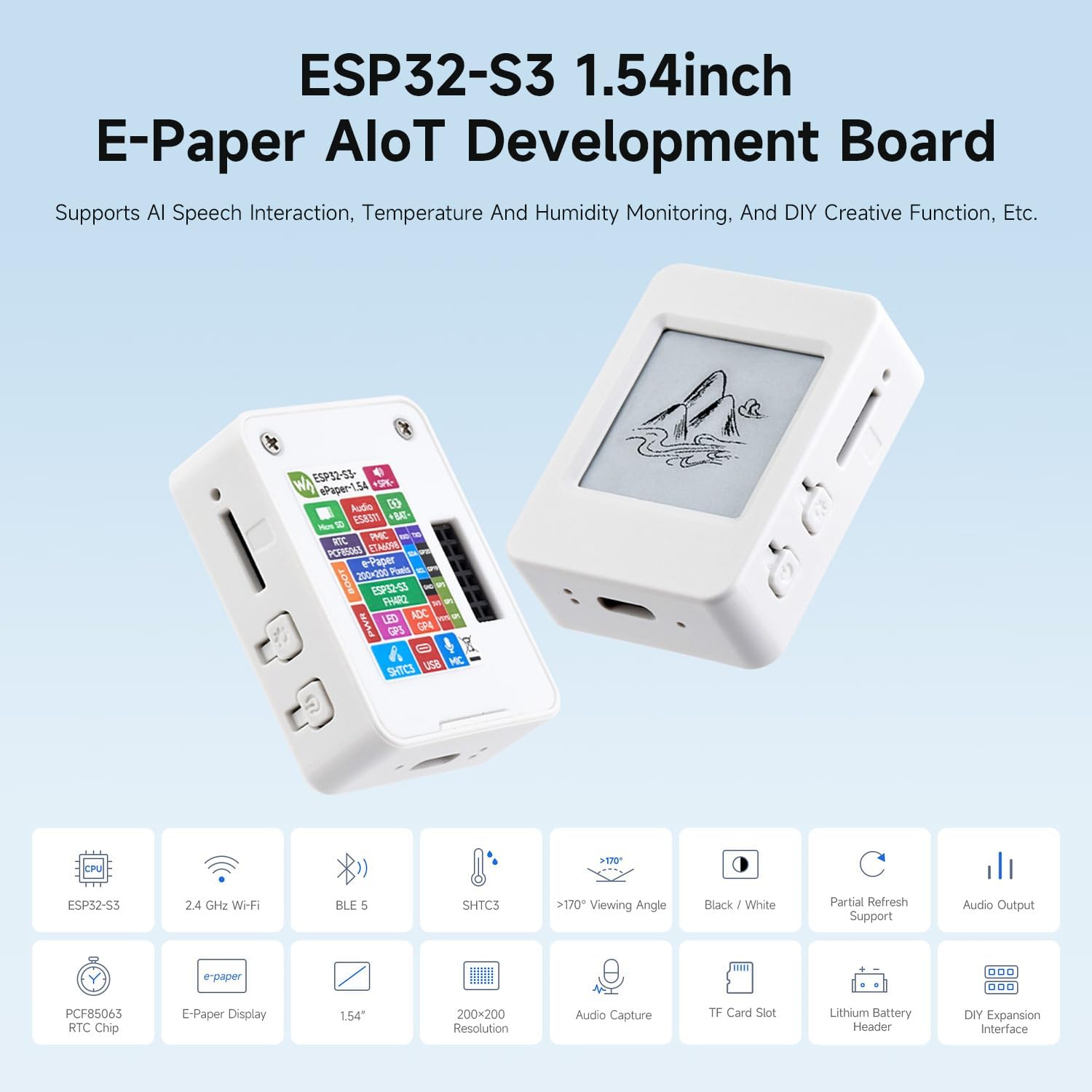
LET'S BE CLEAR ABOUT COMPATIBILITY
eenkstudio currently supports only the V2 Waveshare ESP32-S3 1.54inch E-Paper AIoT Development Board.
V1, the 1.54G / four-colour board, and other boards are not currently supported. Do not install this editor's V2 firmware on a V1 board.
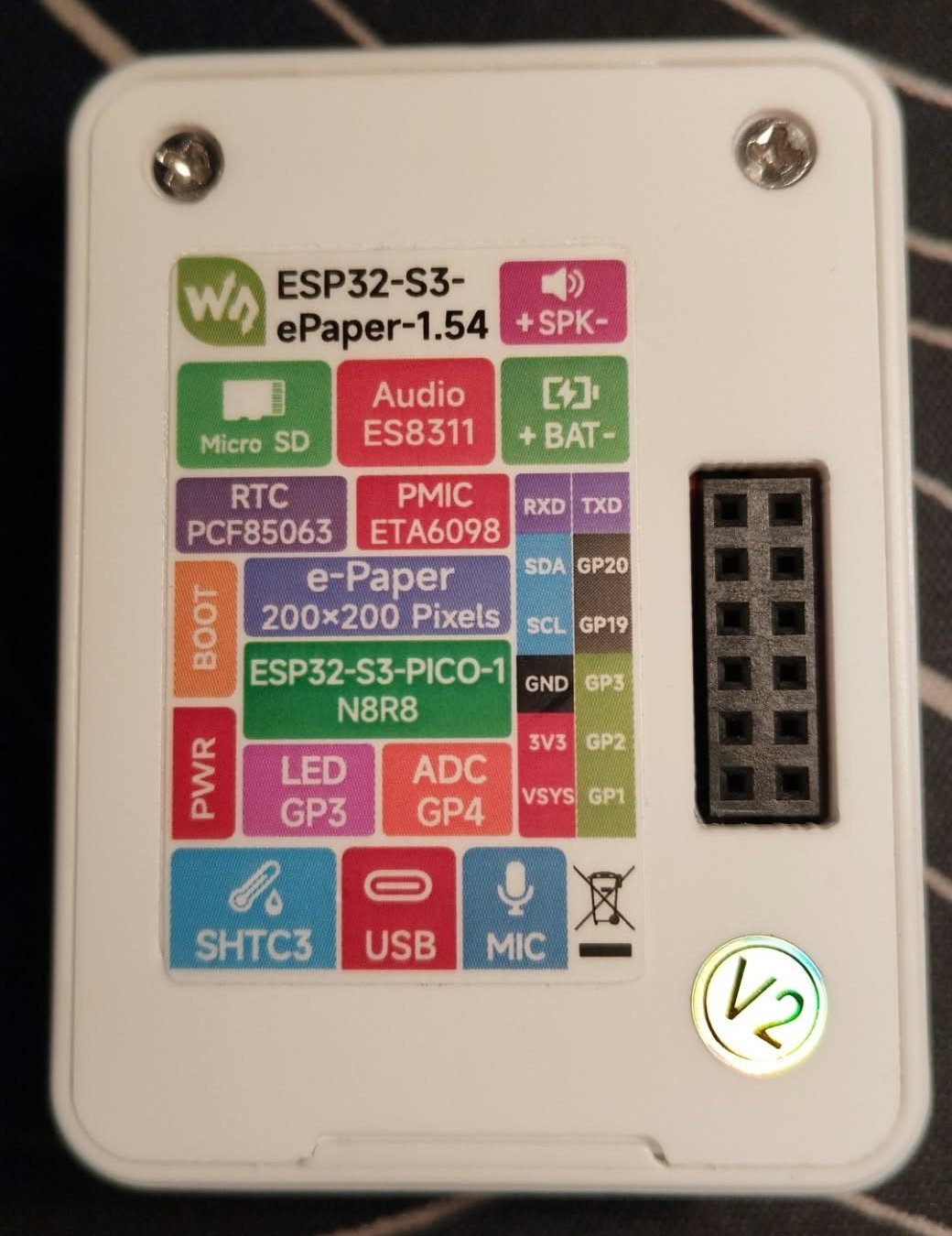
This back-of-unit photo shows the V2 sticker clearly. Use the revision marking, not just the shape of the case.
Enlarge photoLook for “V2” on the back label, or V2 silkscreen in the top-left corner of the PCB. Waveshare says version-specific example programs are not interchangeable.
V2 uses the ESP32-S3-PICO-1-N8R8 with 8MB Flash and 8MB PSRAM. The enclosure's appearance or an ESP32-S3 USB identity alone is not enough to confirm the revision.
Read Waveshare's revision guidance
DON'T HAVE A BOARD YET?
Explore the Waveshare ESP32-S3 1.54inch E-Paper AIoT Development Board on Amazon, then make its display your own with eenkstudio.
Choose V2. Confirm the seller supplies the V2 revision before buying. This editor does not currently support V1 or colour models.
View board on AmazonAffiliate link. As an Amazon Associate I earn from qualifying purchases.
BEFORE YOU GET CREATIVE
Yes. You can explore templates, design layouts and export your work without a USB connection. Sending a design requires the supported V2 board, compatible eenkstudio firmware and a browser with Web Serial support.
No. Homepage readings are simulated previews. In the editor, indoor sensor fields can use your connected board's readings. Outdoor weather fields need your own OpenWeather key and location configured on your board.
Saved designs are local to this browser and website origin, not an online account. Export an editable JSON or ZIP backup to keep a separate copy or move your work to another browser.
No. Firmware installation is a separate, explicit operation. Confirm that your board is V2 before using the installer. Homepage previews do not connect to USB or change your board.
Not at the moment. eenkstudio is a display-layout editor for this specific V2 board. The board's AIoT hardware capabilities do not mean this editor provides an AI voice assistant. V1, colour displays and other board models are not currently supported.
YOUR NEXT LITTLE BIG IDEA
Built for the Waveshare V2. Ready for your imagination.